
Houston City College Multi-Factor Authentication (MFA)
MFA will be enabled May 18th for students. Dual-credit students will not be impacted by MFA at this time. MFA will not be required when logging into Canvas nor the Peoplesoft Student System.
Phone Enrollment Instructions
MFA Help Documents
Download Microsoft Authenticator
- Click the link above.
- Select your platform (IOS or Android); Screen shot below.
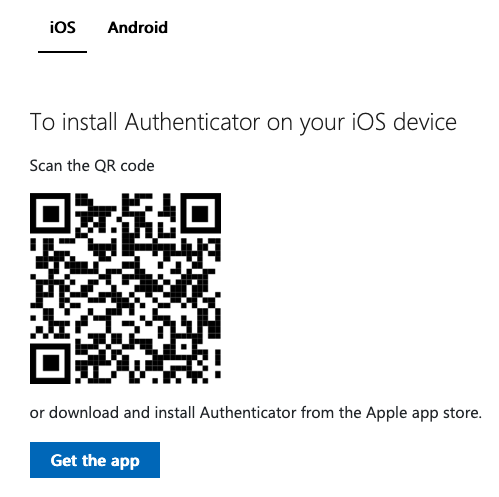
- Scan the code or select the link "Get the app" with your phone.
- This will load the respective App Store (IOS or Android) where you can download the MFA application.
- Follow the instructions in the respective application.
Stay Connected and Don’t Lose Access to your Microsoft Apps
If additional assistance is needed please contact the IT Service Desk at 713.718-8800.